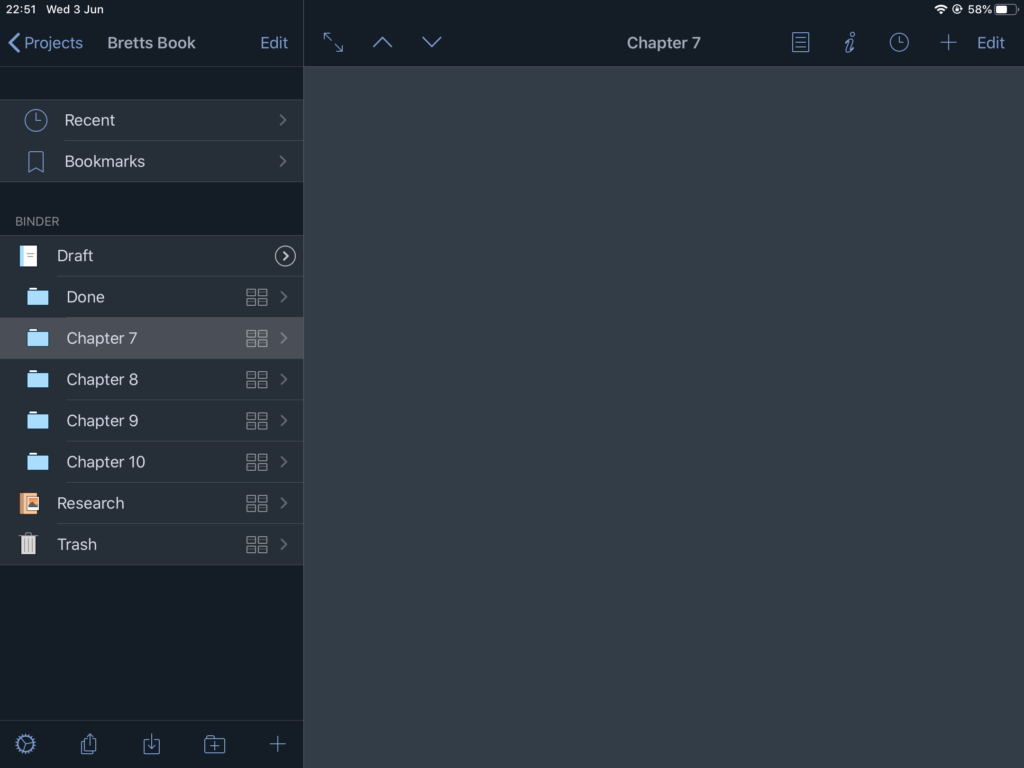
I recently switched from my MacBook Pro and scrivener to a chromebook and google docs… if you’re reading this, you’re either wondering why, or fancy doing it to and want to know if it’s worth it.
Like many, I have always assumed that google docs was a featureless blank page with not much functionality, mainly because it is so understated. Whenever someone asks in writing groups what the best programs are, you can always see the people who really love using the programs they do. There are many posts and articles about why x program is the best, but I rarely saw anything but a slight mention of google docs.
I had used it before to test it, but that was many moons ago and now it’s a whole lot better.
Why was I using a MacBook Pro and scrivener?
I am a new writer, and an iPhone user. I’m also a techie, and have been fixing and building PCs for years. I wanted a change of career and a couple of years ago, decided to take up writing.
Writing poetry is easy for me, it’s one or two pages of words would just flow and I am happy and comfortable with that.
Writing a novel though, that’s a different task altogether. There are characters and plot and arcs and plot and emotions and (did I mention plot?)
That’s a lot to remember and I soon found lots of issues where I found myself going round and round in circles trying to remember what was going on, and because I didn’t outline properly, my book shot off in a totally different direction.
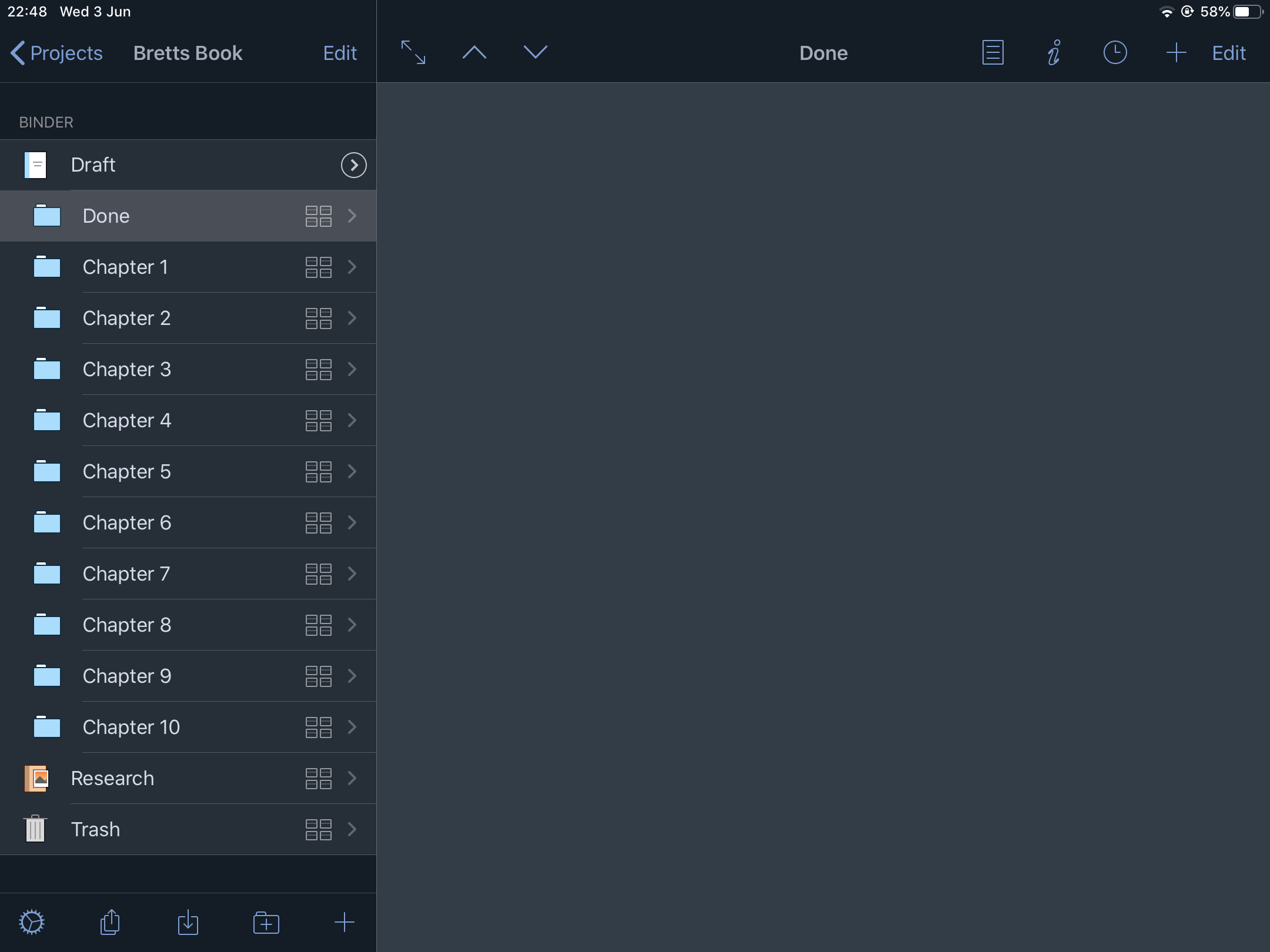
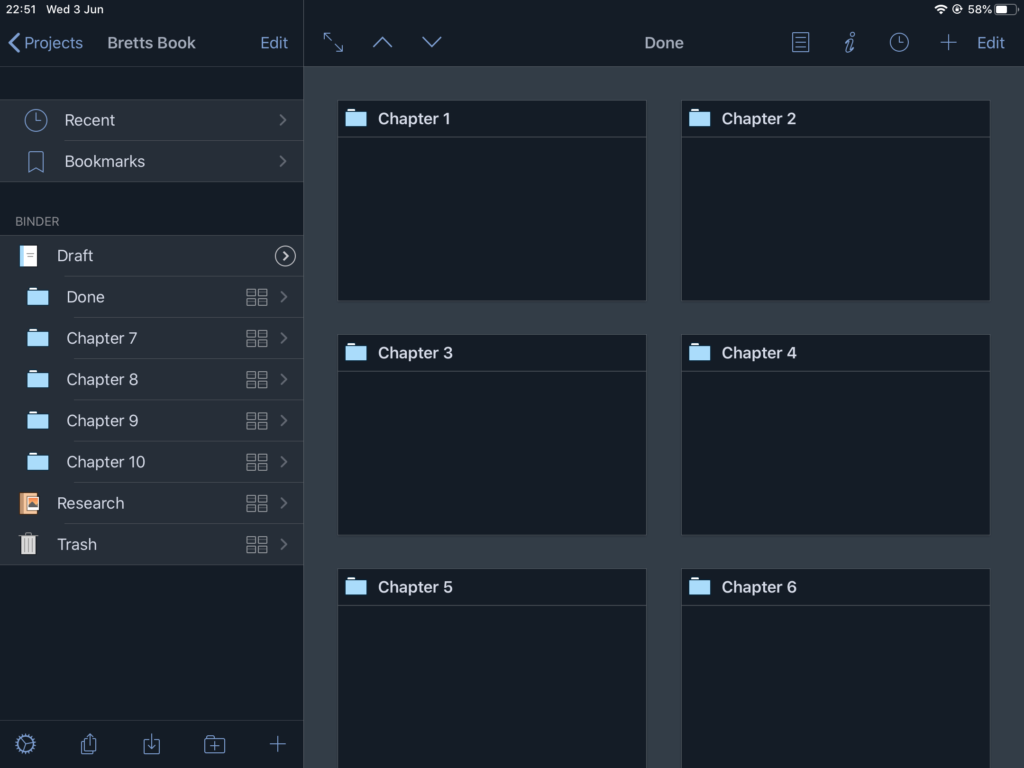
Scrivener seemed to be the answer, it gave me small chunks of text to work on and that seemed fine until … I started to copy-paste from one section to another and forgot to delete the chucks I had copied from.
With my head in a mess, my manuscript going nowhere fast and my word count getting higher, all I wanted was a way out of this massive hole I had created and then Corina Virus happened.
No more going to coffee shops meant I was saving my money, and information overload for COVID19 meant that my writing took a nosedive for approximately three weeks.
During this time, I bought a blank journal approximately 240 pages and a fountain pen and switched from typing my book on scrivener, to writing with a Waterman fountain pen and ink in my new book.
I filled it from front cover to back cover whole on lockdown I’m an attempt to get all of the information from Corina Virus updates, news bulletins and press conferences out of my head and onto the page.
During this time, I hardly did any social media, and no work on my book. The characters in my head stopped talking to me, and life was just about staying safe with myself and family at home.
After approximately 3 weeks, and lots of money saving later, I decided to go on my regular “let’s see if there is a better gadget to get my book finished” hunting spree in the App Store and came across google docs, so I downloaded it and gave it a go.
So why Google docs?
At first glance, it has a white page, and a menu and looks pretty featureless and boring, but having said that, so does a text editor… and I use one to create dynamic websites which are interactive, so I decided to see if it had any untapped potential.
At first, I noticed it saves online, which means you only need to download the app on your phone / tablet or log in through a browser and your work is available from any device… so nor mor losing usb sticks, in fact, no more buying usb sticks.
For any of you wondering, I wrote this article on google docs. The beauty is, I can now write anywhere, because google docs has an offline mode too, where it will save the document you are working on, until you have an internet connection and your device can sync to google again.
It has a spellchecker, built-in grammar checker, and word count. Something else I noticed was that it has an outlining function that’s almost automatic.
What is the outline function?
Basically, as you type, google docs makes a note of certain headings and adds them as bookmarks to a sidenote next to your main workspace. This is incredibly useful, especially when editing your multi page document and you want to find something fast.
As I started to use it more and more, I found it so immersive and just wanted to write and write, my passion now rekindled.
I checked out a couple of YouTube videos to find out more and eventually learnt about the chromebook.
My passion for gadgets got me going and I bought a chromebook.
Why Chromebook?
Because the chromebook is built around it’s browser, you don’t have much in the way of software to worry about. Most of the software I use is actually on the web instead of programs I use… this blog, google docs, email, Canva for making book covers, and it’s all free!
It made sense to buy a chromebook. It’s super fast at booting, all of my stuff is saved to the google cloud (including the configuration for my laptop. Yes, that’s right, if my laptop goes wrong, or breaks, or is lost or stolen, I only have to spend between 50 and 100 pounds on eBay and get another one… then charge it, switch it on, log into my google account and all of my laptop programs, apps, wallpaper, shortcuts, photos, and links are exactly the way I had them on the old laptop.
I no longer have to buy usb sticks, or worry about them (which is a good thing because my last one went through the washing machine), I don’t have to print out drafts and manually spell and grammar check them. Gone are the days of running around in circles trying to remember what’s happening where, because I’ve forgotten what I’m writing or where I am, and life is so much easier now. In fact, this thing even does dictation… yes, I know my macbook does that, but my macbook cuts out after ten seconds of silence, whereas my chromebook does it endlessly, until I tell it to stop. Amazing!
I’m still refining my method and it sort of resembles the snowflake method, but with my own tweaks and colour coding.
All I can say now is that writing is no longer the mess it once was, that the experience of the chromebook with browser notifications switched off and do not disturb switched on makes the whole experience very immersive, and I don’t have to leave the page I am working on, simple scroll down and type some more instead of having to add a new chapter and link to characters etc.. as I used to in scrivener. Now it’s as simple as create a character in google notes and drag and drop to google docs. When it comes to asking myself questions, I simply add comments in the comments bar and that’s that!
Final thoughts.
It’s cheaper, faster, more immersive and writing has become fun again, and I finally feel satisfied I have found a solution to the “how am I supposed to remember all this” problem I had in the first place.